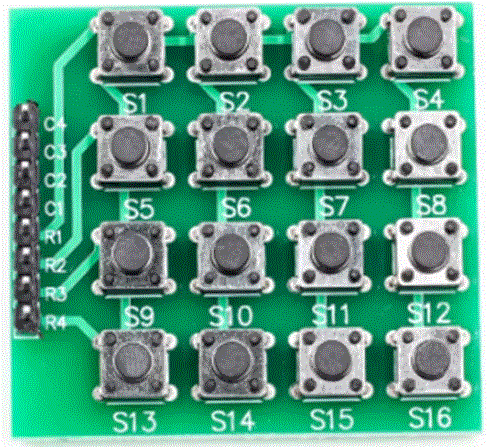
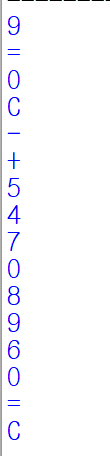
아두이노 나노 보드에 배선없이 간단하게 브레드보드에 장착하여 16개의 버튼 속성을 알아봅니다.
원리는 버튼을 행과 열로 배치하여 On 버튼을 체크 할 수 있습니다. 컴퓨터, 폰, 계산기 , 등에 이용됩니다.
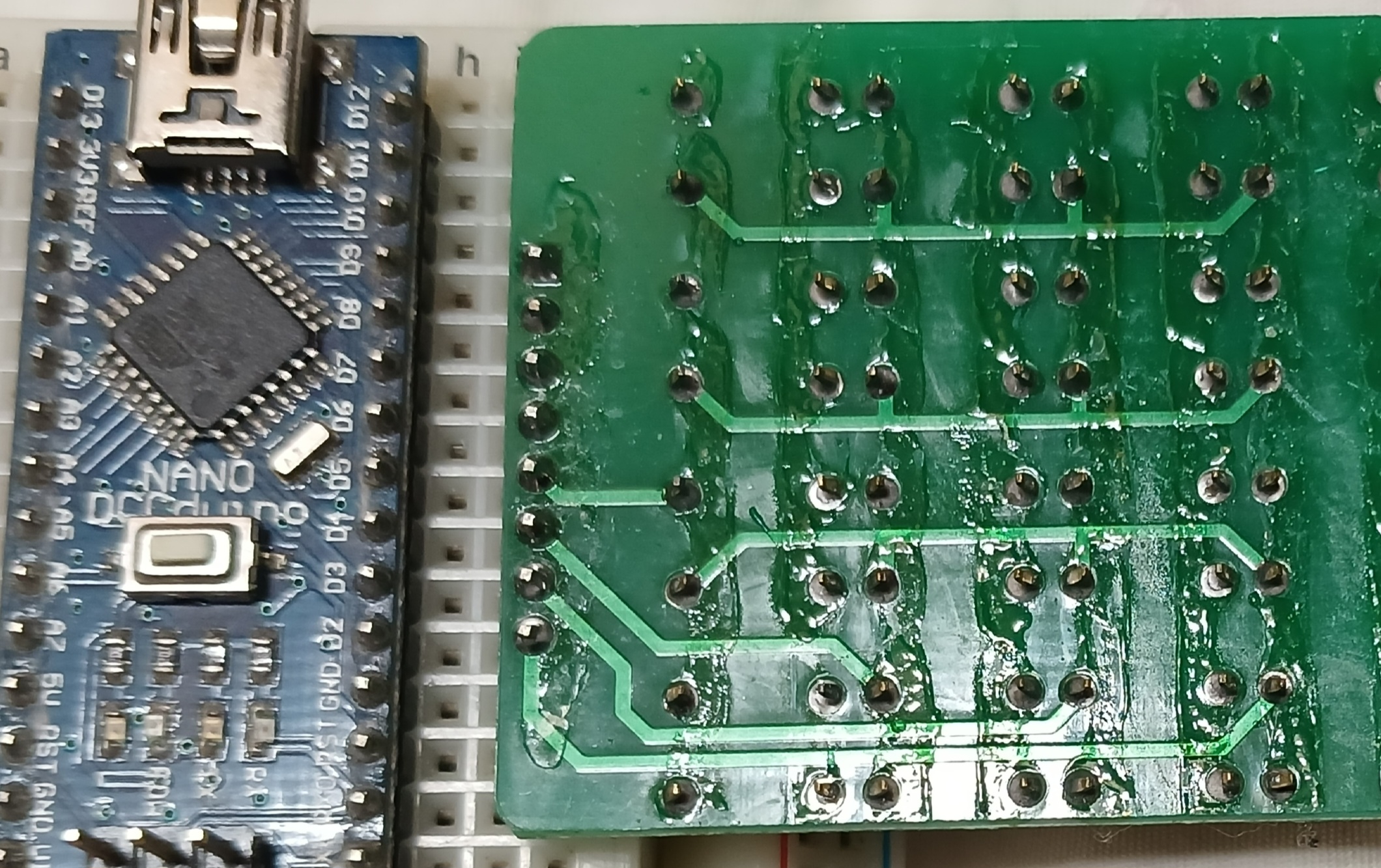
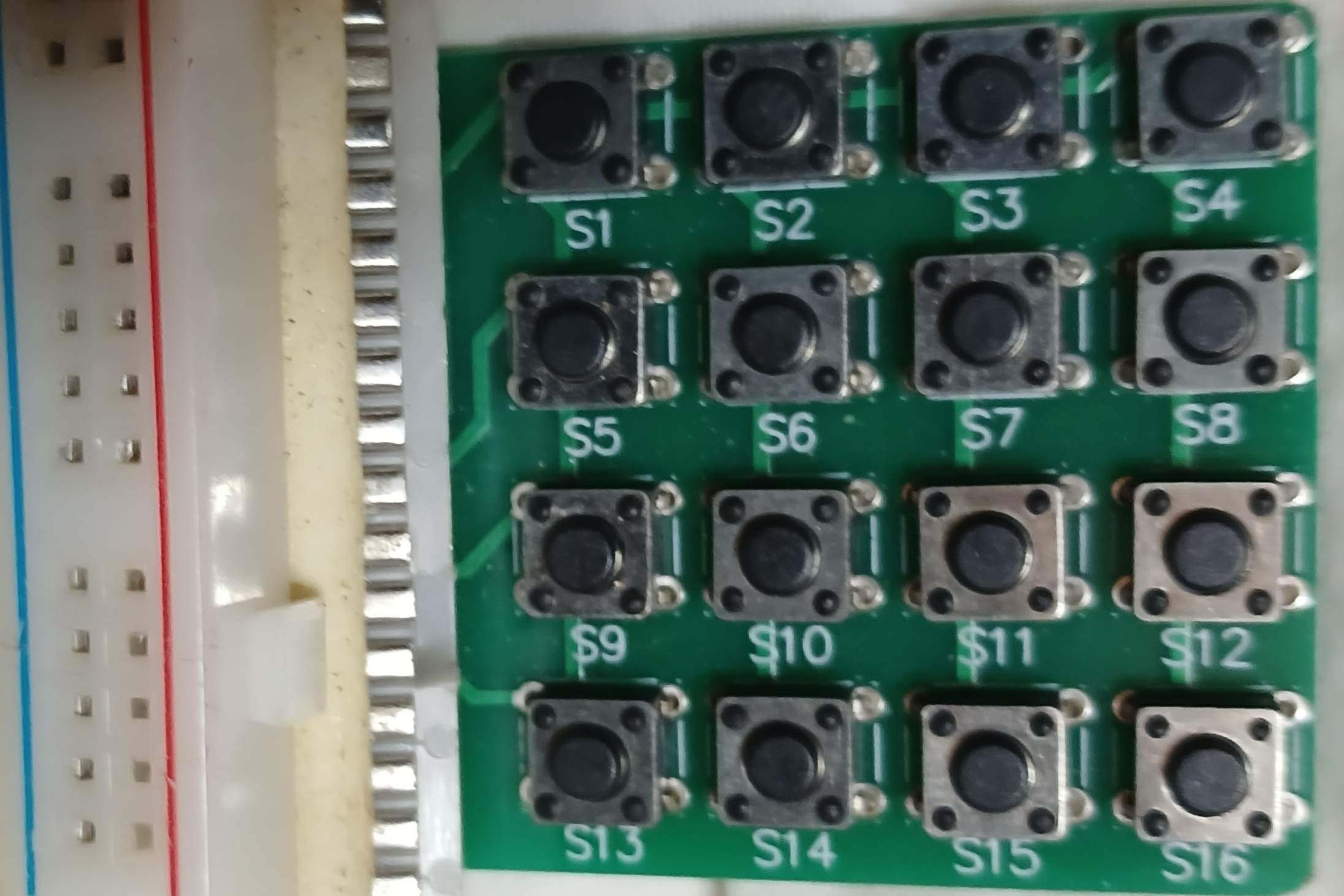
브레드보드 전원 두줄을 제치고 아두이노 보드 디지털 2~9번에 맞도록 끼웁니다.
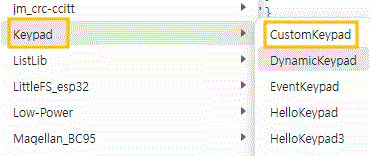
github에서 keyPad master zip파일을 라이브러리에 추가합니다.
keypad 폴더 내에 CustomKeypad를 업로드 수정하고 업로드합니다.
다음과 같이 수정합니다
#include <Keypad.h>
const byte ROWS = 4; //four rows
const byte COLS = 4; //four columns
//define the cymbols on the buttons of the keypads
char Keys[COLS] [ROWS]= {
{'C','7','4','1'},
{'0','8','5','2'},
{'=','9','6','3'},
{'-','+','/','x'}
};
byte rowPins[ROWS] = {5, 4, 3, 2}; //connect to the row pinouts of the keypad
byte colPins[COLS] = {9, 8, 7, 6}; //connect to the column pinouts of the keypad
//initialize an instance of class NewKeypad
Keypad customKeypad = Keypad( makeKeymap(Keys), rowPins, colPins, ROWS, COLS);
int answer;
char op;
void setup(){
Serial.begin(9600);
}
void loop(){
char customKey = customKeypad.getKey();
if (customKey){
Serial.println(customKey);
}
}

#python source
import serial
def SCOMM():
Data=ser.readline()
Data=Data.decode()
Data=Data.rstrip()
print(Data)
ser = serial.Serial('COM13')
while True:
SCOMM()
'Arduino<>Python' 카테고리의 다른 글
| arduino uno, nano rxPin, txPin LED Bluetooth python 제어 (0) | 2025.02.03 |
|---|---|
| 가상 시리얼 RX, TX 통신 (0) | 2025.02.03 |
| arduino_python 양방향 통신 (0) | 2025.02.02 |
| arduino_python_PC_Bluetooth 통신 (0) | 2025.02.01 |
| python 시리얼 통신과 디코드 (0) | 2025.02.01 |


